How to Redeem Claw Fishing Codes
Claim promo rewards safely once Smoothly Sailing publishes working codes.
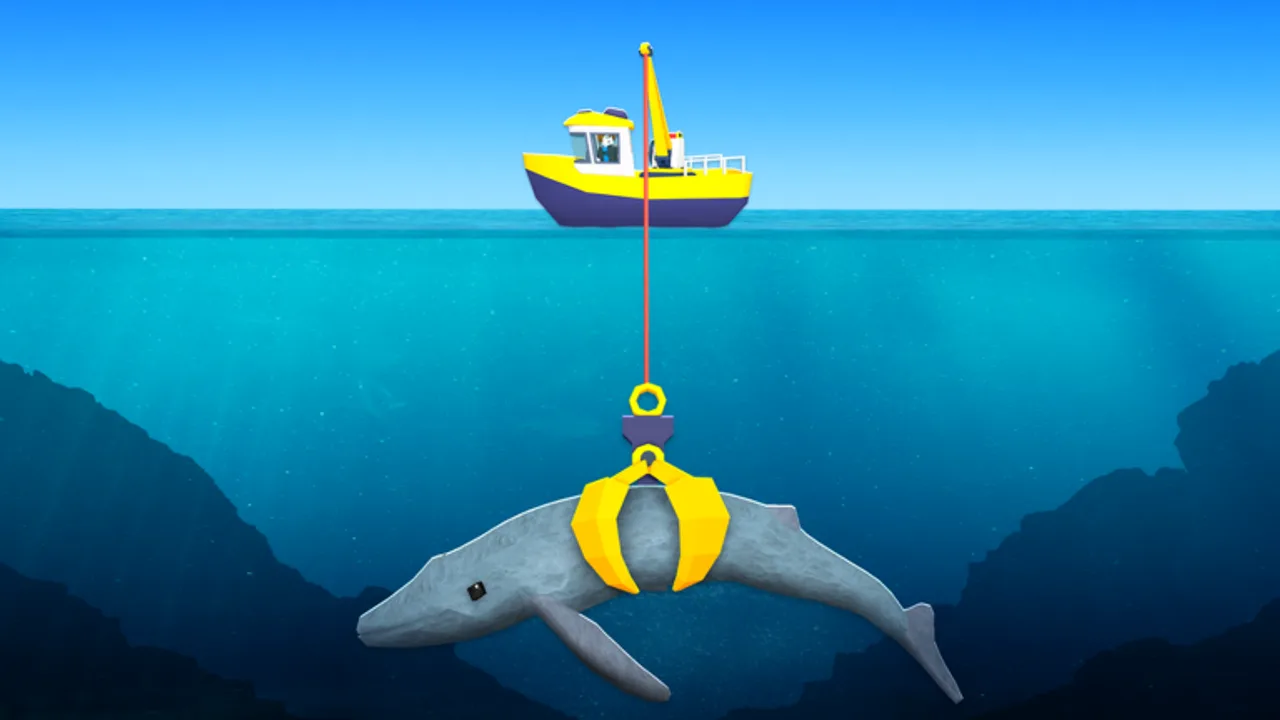
Promo codes in Claw Fishing by Smoothly Sailing are meant to reward players who follow the game and join the community — but redemption only works when the developer has shipped a codes UI and published a valid string. This guide walks through every step to redeem Claw Fishing codes on desktop, mobile, tablet, and console, what to do when the menu is missing, and how to avoid scams while hunting for the first official drop. Start with the Codes hub for the current active list.
Before you redeem anything
Confirm three things so you do not waste time on fake strings:
- Source — The code appeared on the Smoothly Sailing group wall, an in-game billboard, or a verified social post — not a random “code generator” site.
- Spelling — Roblox codes are usually case-sensitive. Copy-paste when possible instead of retyping.
- Account — You are logged into the Roblox account that owns your Claw Fishing progress. Codes apply to the current player, not a group or server.
As of July 2026, no widely confirmed public codes exist yet. This guide is ready for when the first milestone or update code goes live.
Step 1: Launch Claw Fishing
Open Claw Fishing on Roblox and join a public or private server. Wait until your character loads at the harbor and your boat spawns. Redeem menus sometimes fail if you enter a code during the loading screen — stand still until UI elements appear.
If Roblox shows a version mismatch after an update, rejoin once. Smoothly Sailing patches can move the codes button between builds.
Step 2: Find the codes menu
Roblox fishing games place redemption in one of these locations. Search the harbor area in this order:
Settings or menu icon. Look for a gear, three-line menu, or Codes tab on the left or top of the screen. Tap or click it to open a text box labeled Enter Code or Promo Code.
Dedicated Codes NPC or kiosk. Some experiences use a harbor NPC with a speech bubble icon. Walk up and press Interact (E on PC, on-screen button on mobile/console).
Shop or store sidebar. Occasionally codes hide inside a Store panel under a Redeem sub-tab. Check every tab once if you cannot find a standalone codes button.
If none of these exist in your session, the feature may not be enabled yet. Watch the Updates hub and the Codes hub — we update both when redemption goes live.
Step 3: Enter the code exactly
Type or paste the promo string into the text field. Common mistakes that cause Invalid Code errors:
- Extra spaces before or after the string
- Wrong capitalization (
Summer2026vssummer2026) - Confusing letter O with number 0, or I with 1
- Using an expired code from an old YouTube video
Press Redeem, Claim, or Submit. A success toast usually shows the reward name; failures often say Expired, Invalid, or Already Redeemed.
Step 4: Verify your reward
After a successful redeem, check where Claw Fishing delivers rewards:
- Cash balance — top UI counter or wallet near upgrades
- Boost timer — income multiplier icon near the aquarium
- Inventory or cosmetics — boat/claw appearance menus
If the UI says success but nothing changed, rejoin the server once. Persistent issues may mean the code was rolled back — report on the group wall with a screenshot, not your password.
Platform-specific tips
PC / desktop. Click the codes field, Ctrl+V to paste, then Enter or click Redeem. Keyboard players redeem fastest during short code windows.
Mobile / tablet. Long-press the text box to paste from clipboard. Use landscape mode so the keyboard does not cover the submit button.
Console. Virtual keyboard is slow — copy codes to your phone, then use Roblox mobile to redeem on the same account if the console keyboard frustrates you. Roblox account-wide rewards usually sync across devices.
Troubleshooting common errors
| Message | Likely cause | What to do |
|---|---|---|
| Invalid Code | Typo, fake string, or unreleased code | Re-copy from official source; check Codes hub |
| Expired | Past promotion end date | Move on; see Expired table on Codes hub |
| Already Redeemed | One-time use per account | Normal — codes rarely work twice |
| No menu visible | Feature not shipped yet | Wait for update; read Updates |
Safety rules
- Never share your Roblox password to “unlock” a code site.
- Never run executors or scripts claiming to auto-redeem — that is exploit territory with ban risk.
- Do enable two-step verification on Roblox if you chase codes on social media where phishing links appear.
Official codes are free. If someone asks for Robux or account login to “generate” a code, it is a scam.
After you redeem
Spend cash wisely using the Upgrade Priority tier list instead of impulse buys. Slot strong fish in your aquarium so promo cash multiplies long-term value — see Aquarium & Money and the Money Rate Tool for income planning.
When Smoothly Sailing publishes the first real code, we will list it on the Codes hub with reward type and expiry. Bookmark both pages and join the group so you catch the next drop early.
Frequently Asked Questions
Quick answers players ask while claw fishing on Roblox.
Where is the codes button in Claw Fishing?
Check Settings, a harbor Codes NPC, or a Store redeem tab. Location can change after updates — rejoin once if you patch mid-session.
Why does my Claw Fishing code say invalid?
Usually a typo, expired promotion, or fake string from an unofficial site. Copy from the Smoothly Sailing group or this wiki's Active table only.
Can I redeem Claw Fishing codes on mobile?
Yes, if the in-game codes menu exists on your build. Paste from clipboard in landscape mode for the fewest mistakes.
Do codes work in private servers?
Most Roblox promo codes work in any server on your account unless the developer restricts them to public lobbies. If redeem fails in private, try a public server once.
Are there any codes to redeem right now?
None confirmed publicly as of Jul 2026. This page explains the process for when Smoothly Sailing releases the first official code.